Brick Blaster Privacy Policy
Last updated: September 11, 2026. This page explains Brick Blaster: Neon Arcade, the information processed to run the game, advertising and analytics choices, saved progress, and how to contact us.
About Brick Blaster
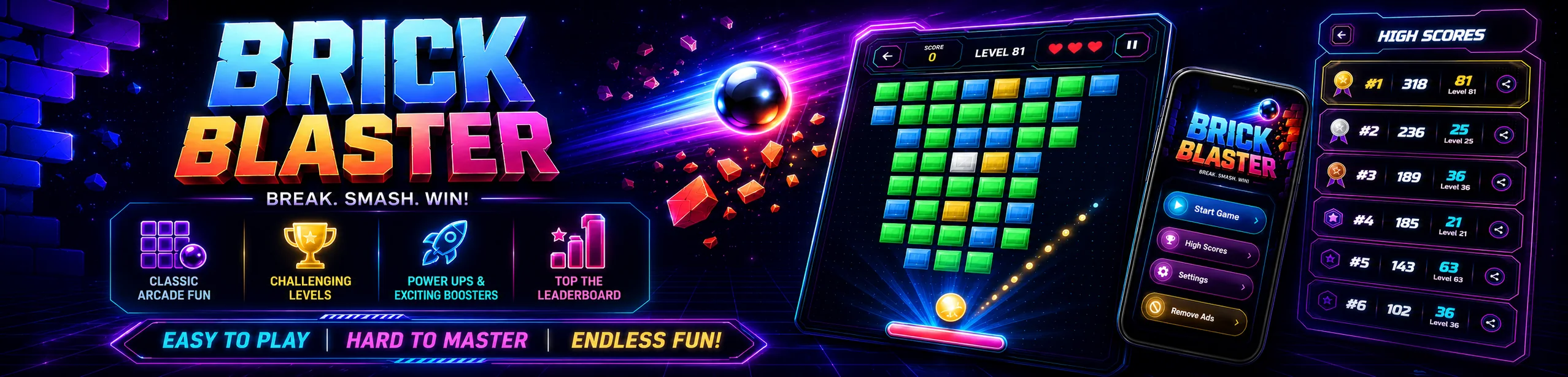
Brick Blaster is a free Android arcade brick breaker game. Players aim, bounce, and break bricks through campaign levels using simple controls and gameplay power-ups.
Information We Collect Or Process
Brick Blaster does not require users to create an account. The game may use local device storage and the services below to provide gameplay, ads, optional cloud save, and app improvement.
1. Advertising Data
Advertising uses Unity LevelPlay mediation with ironSource Ads and Unity Ads. Android integrations also include Meta Audience Network and Yandex Mobile Ads. Which networks participate depends on app version, configuration, approval, consent, region, and ad availability. An included SDK is not necessarily serving ads; pending approval does not establish that the SDK processes no data.
Advertising services may process device identifiers (including the Android advertising ID where available), IP address and inferred approximate location, device/app information, ad views and interactions, diagnostics, and fraud signals. Purposes include ad delivery, measurement, security and, where permitted, personalization. Non-personalized ads may still require data for delivery, measurement, and fraud prevention.
Google UMP remains a consent-management component, separate from ad serving. Privacy choices are applied to LevelPlay and Firebase Analytics; available controls depend on region and the installed version. Change or withdraw choices through the app's Privacy options. Withdrawal affects future processing; it does not automatically delete records already held by providers.
Providers may process information outside your country and retain it under their own policies and applicable obligations. For provider-specific choices, retention, transfers, and deletion requests, see:
3. Consent And Country Resolution
Brick Blaster refreshes Google User Messaging Platform (UMP) consent information when the app launches. UMP supports applicable regional privacy messages. Users can reopen Privacy options from Settings or the privacy entry available in their installed app version.
In Brazil and Canada, Brick Blaster displays an in-app privacy dialog with separate controls for Firebase Analytics and personalized ads. Both are optional, and users can change their choice later from Privacy options. Choosing not to receive personalized ads does not remove eligible ads; the game requests non-personalized ads instead.
To select the appropriate regional flow, the app uses a coarse IP-based country lookup through GaanaVana's mobile geo service and fallback providers. The app uses only the country code for regional routing; it does not request precise location or store a raw IP address, user ID, city or region, or country history. If the country cannot be resolved, the app keeps analytics and personalized ads off and may request only non-personalized ads when the consent controller permits requests.
5. Google Play Games Saved Games
Sign-in is optional and the game remains playable without it. If a user signs in to Google Play Games, Google may process the player's gamer identity, such as a gamertag and avatar, to provide the sign-in and game services. Brick Blaster uses the sign-in status and does not request the player's Google password or email address from the Play Games API.
If a signed-in user uses cloud save, Brick Blaster can save and restore game progress and high scores through Google Play Games Saved Games. Google handles the Google account, sign-in process, and storage of this saved-game data. Google Play Games may also process service analytics and diagnostics to operate and improve its SDK.
7. Permissions And Device Access
Brick Blaster uses internet and network access to load ads, communicate with Google Play services, resolve the privacy region, and sync optional cloud progress. The app does not request camera, microphone, contacts, SMS, call log, or precise location permissions.
Data Sharing
Advertising partners process data as described above; advertising-related sharing may be subject to regional opt-out rights.
Data may be processed by these service providers to provide their services:
- Unity LevelPlay, ironSource / Unity Ads, Meta, and Yandex as described above
- Google User Messaging Platform
- Firebase Analytics
- Google Play Games Services and Saved Games
- GaanaVana's mobile geo service and fallback providers for coarse country routing; the app uses only the country code
Data Retention And Security
Local game data remains on the device until it is cleared or the app is uninstalled. Google and other service providers retain data under their own policies. We use standard platform services and reasonable safeguards appropriate to the features described on this page.
Changes To This Policy
We may update this policy as the game or applicable requirements change. The current version will be posted on this page with an updated date.
App And Contact Details
Developer: ArvantaOne
Publisher: ArvantaOne
Android package: com.brickblaster.game
Email:
2. Analytics Data
Brick Blaster may use Firebase Analytics to understand app launches, screen views, and gameplay activity. The game may log the current screen and level lifecycle events, such as a level start, completion, failure, restart, rewarded-life result, or campaign completion. Level events use the level number only; the game does not send a player's score or a player name in these events.
Firebase Analytics collection is disabled when the app starts and is enabled only when the applicable regional consent flow or the user's choice permits it.
4. Local Game Data
The app stores game settings, selected appearance options, completed and unlocked level progress, high scores, and cloud-save preferences locally on the device.
6. Rewarded Ads
A player may choose to watch a rewarded ad to receive one in-game life after running out of lives. The game grants the life only after a confirmed LevelPlay reward callback, not merely an ad closing.
How We Use Information
- Run the game and store local settings, progress, and high scores
- Show and measure ads through LevelPlay and configured advertising partners
- Serve personalized or non-personalized ads based on region and consent
- Provide an optional rewarded-ad life revive
- Sync optional saved progress through Google Play Games
- Measure app and gameplay activity with Firebase Analytics when permitted
- Improve game reliability, levels, and user experience
Your Choices And Rights
Where available, users can manage Analytics and personalized-ad choices through the game's Privacy options. Users can also manage Google advertising settings and Google Play Games data through their Google account and Android settings.
Clearing app storage or uninstalling Brick Blaster removes local game data from the device. Google Play Games Saved Games data is managed through the user's Google account and Google Play Games settings. Users can delete Play Games data for this game through their Google Play Games profile.
For privacy questions or help with privacy choices, contact . Brick Blaster does not maintain a separate developer account database or directly control data stored by Google Play Games, Firebase, or advertising providers. Local game data can be removed by clearing app storage or uninstalling the app. Google Play Games data must be removed through the user's Google Play Games or Google Account controls, and provider-held advertising or analytics data is managed through the applicable provider's controls and policies.
Children's Privacy
Brick Blaster is not directed to children and is not intended to knowingly collect personal information from children. If you believe a child has provided personal information, contact us so we can review the request.
A colorful brick-breaking game built around quick arcade action, challenging levels and satisfying power-ups.